Arcade
 spee.tv
Arcade
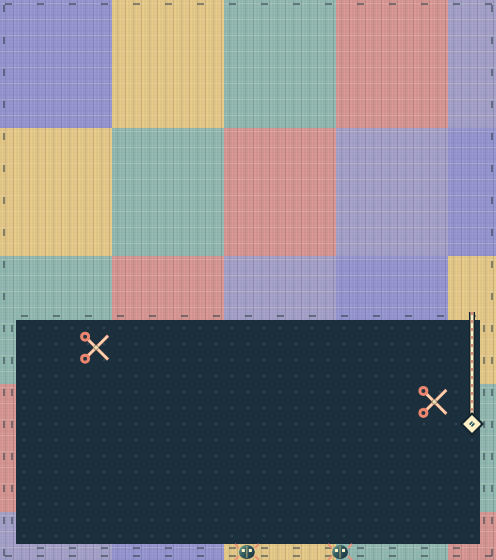
Stitch colourful patches across six fields while roaming cutters chase your loose thread.
Keyboard · Touch · Mouse
This game needs a keyboard. You can try it here, but touch controls are not available.
Move with the arrow keys, WASD or the direction buttons. Your needle moves safely on the fabric and outer border. Press Space or Draw to turn drawing on, then enter the dark area. Rejoin the fabric to claim your thread and every enclosed area without a cutter. Areas containing a cutter stay open. Drawing turns off after each cut; you cannot cancel a loose thread. Avoid crossing your own thread, cutters touching it, and beetles moving around the outer border. You have three needles per patch. Reach the stitched percentage shown to finish; one remaining needle earns one star, two earn two and three earn three. Six patches add faster hazards and higher targets. Choose any patch from the menu. Pause with P, Escape or the pause button; switching away also pauses. After a hit, release the controls before moving again.
Modern desktop and mobile browsers. Keyboard, mouse and touch controls. Completed-patch stars are saved on this browser when site storage is available; unfinished fields last only while the game stays open.