Puzzle
 spee.tv
Puzzle
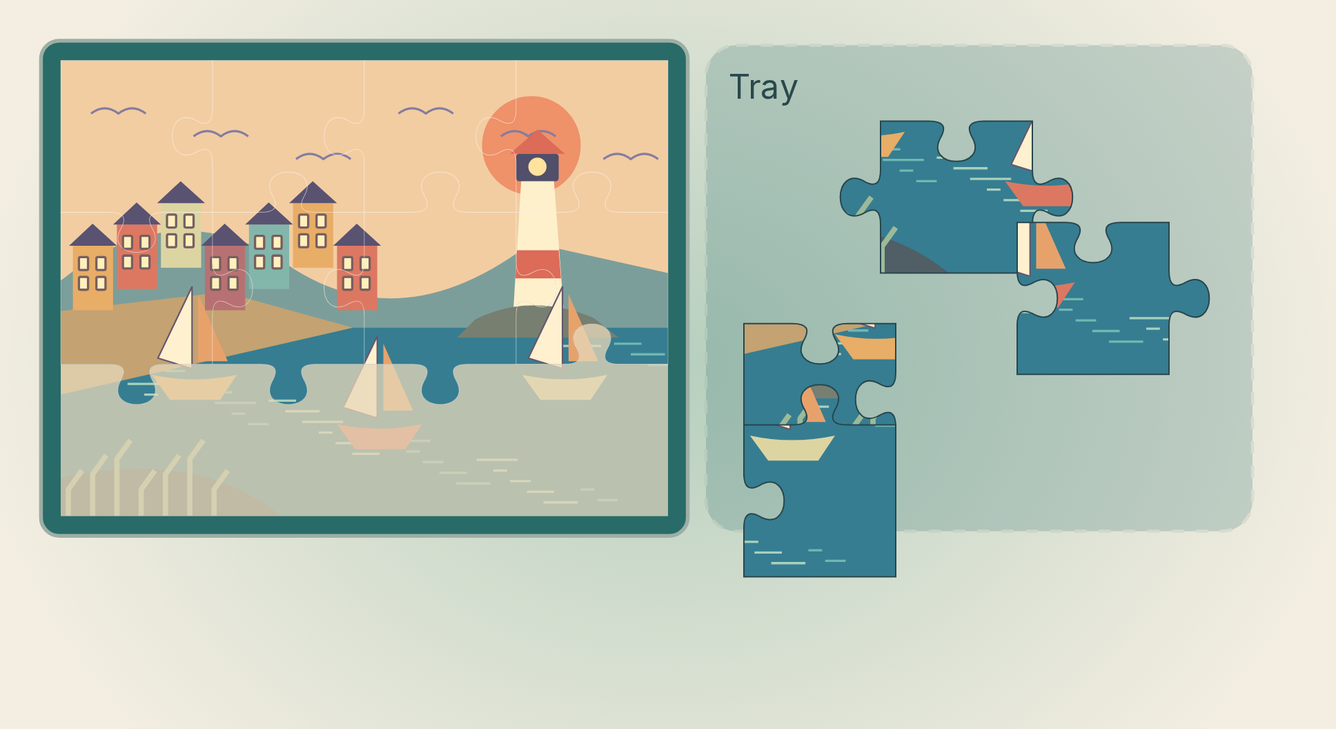
Piece together three original colourful pictures with interlocking pieces, connected groups and 12 to 100 pieces.
Keyboard · Touch · Mouse
This game needs a keyboard. You can try it here, but touch controls are not available.
Choose Lantern Harbour, The Glass Garden or Above the Peaks and 12, 30, 60 or 100 pieces. Drag pieces from the tray onto the picture. Pieces close to their correct place snap down; matching neighbours snap into a group that moves together. Pieces never rotate. On small screens, the view arrows scroll between the board and tray. Edges only hides loose interior pieces; a group containing an edge stays visible. Preview toggles the faint guide picture. Next piece brings another loose piece to the front, useful for overlapping pieces in the tray. For keyboard play, select a piece with Next piece (or N while a piece is focused), use arrows to move it by a quarter piece, Shift+arrow for a whole piece, and Enter or Space to snap. Selected pieces have an outlined edge. Finish all pieces to complete the picture. Restart scatters the picture afresh. Picture-completion marks save in this browser when available, at any piece count. Unfinished puzzles last only while open. Sound is optional and starts muted.
Modern desktop and mobile browsers. No rotation or pinch gesture is needed. Completed pictures save when browser storage is available; unfinished puzzles last only while open.